
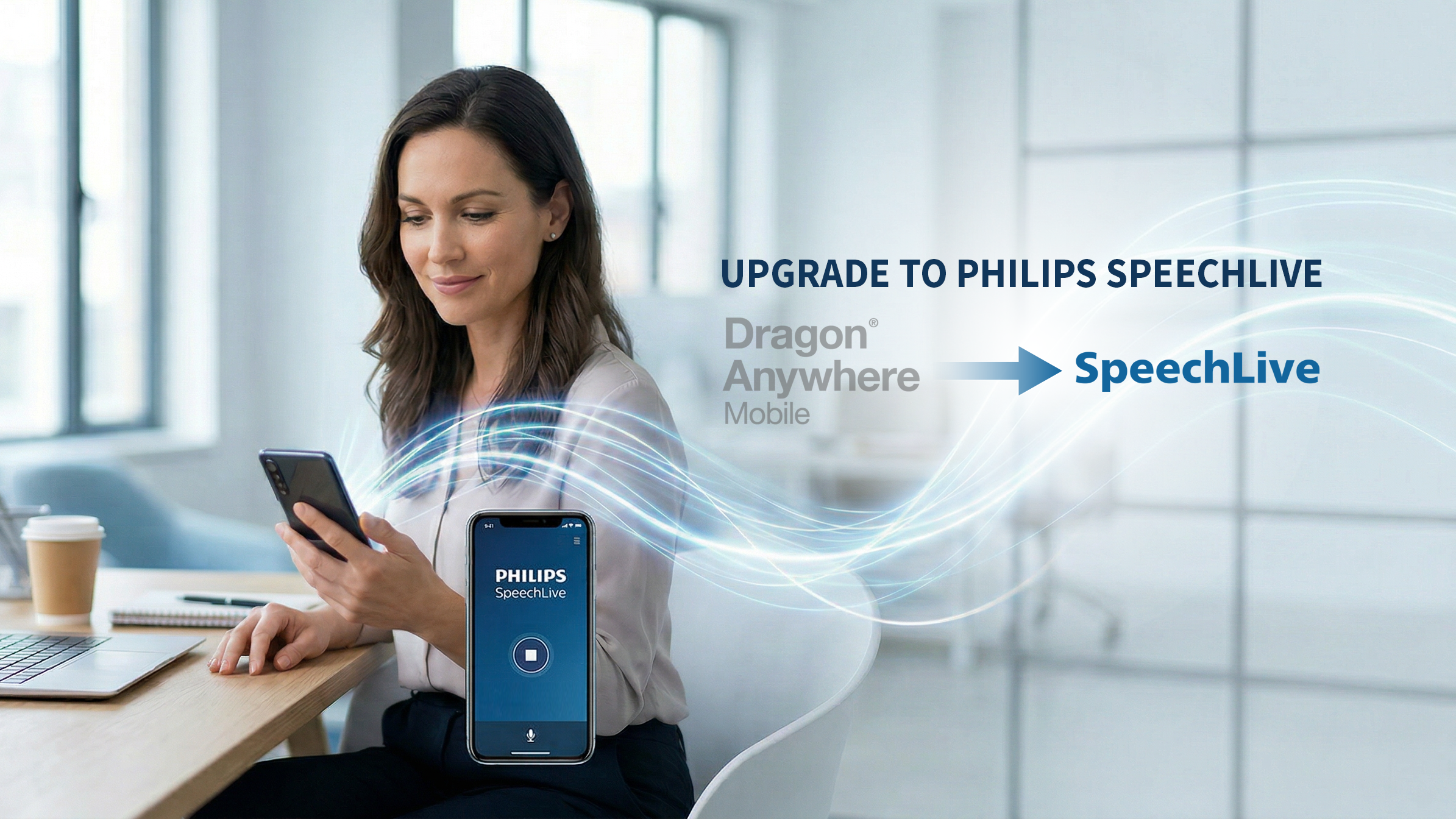
SpeechLive as a Replacement for Real‑Time Voice‑to‑Text on Your Phone
If you used Dragon Anywhere, you used it for one primary reason:
to speak into your smartphone and see text appear immediately.
SpeechLive+Speech recognition replaces that core function.
Real‑Time Voice‑to‑Text on a Smartphone
- Dictate in real time on iPhone or Android
- Convert speech directly into editable text
- Review, edit, copy, and paste text where you need it
You do not give up real‑time voice‑to‑text by moving to SpeechLive.
The interface is different —
but the job it does is the same.
What SpeechLive Adds (Only If You Want It)
For many people, SpeechLive simply replaces Dragon Anywhere — and that is enough.
For others, it offers additional capabilities they did not originally set out looking for but later find useful.
SpeechLive also supports:
- Recording on a smartphone, computer microphone, or digital voice recorder
- Routing dictations to speech recognition or a human typist
- Receiving completed documents in a consistent, review‑ready format
These features are optional enhancements, not requirements.
You can start with real‑time voice‑to‑text on your phone and expand only if, and when, your workflow calls for it.
Meetings and Interviews: A Secondary Benefit
Some users discover an additional advantage after making the switch.
SpeechLive supports transcription for:
- Meetings
- Interviews
- Conversations with multiple speakers
Instead of replaying audio, you receive searchable, usable text you can review, store, and work with.
For legal and professional users, this often becomes a valuable secondary benefit —
not the reason they switched, but one of the reasons they stay.
Privacy and Canadian Considerations
Privacy and data handling are not abstract concerns in Canada — especially in regulated professions.
SpeechLive emphasizes:
- Secure connections (HTTPS)
- Encrypted storage
- Administrative controls for data retention
For many organizations, these characteristics align more closely with Canadian privacy expectations than consumer‑grade dictation apps.
Who SpeechLive Is — and Is Not — For
SpeechLive is a good fit if you:
- Need real‑time voice‑to‑text on a smartphone
- Occasionally dictate on a computer
- Work with text that needs review, formatting, or sharing
- Have concerns about privacy, data location, and professional control
SpeechLive may not be the right tool if you:
- Depend on advanced Dragon desktop commands or macros
- Need full voice control of Windows applications
The two points above are most effective with Dragon Professional 16.
Matching the tool to the job matters.
We will tell you honestly if SpeechLive is not the right fit.
Switching Does Not Need to Be Painful
A smooth migration typically includes:
- Workflow mapping (what actually happens after you dictate)
- Account configuration
- Onboarding and initial training
- Clear, practical guidance for daily use
- Optional ongoing optimisation and adoption support
Most people adapt quickly because they are still dictating the same way.
Your Next Step — If and When It Makes Sense
If you’re currently using Dragon Anywhere Mobile and need a Canadian‑appropriate replacement, we can help you evaluate whether SpeechLive+Speech recognition fits your workflow.
No urgency tactics.
No vendor pressure.
Just clear, practical planning—before timelines force rushed decisions.